
From first message
to a job worth quoting.
Tragent watches your inbox, replies to new enquiries in your business name, gathers the details you need and follows up when customers go quiet. You step in when the job is ready.
Four steps.
No extra admin.
Set it up once in about two minutes. After that, Tragent handles the gap between an enquiry arriving and you being free to reply.
-
01
About 60 seconds
Connect your inbox
Link the Gmail or Outlook account customers already use to reach you. Tragent starts watching it straight away—no new number, form or website needed.
-
02
Around the clock
Tragent spots the real enquiries
Customer requests for quotes, availability and work are recognised as they arrive. Newsletters, spam and automated emails are ignored.
-
03
Within minutes
It replies and gathers the details
A short, professional response goes out in your business name, asking for what you need to quote—postcode, photos, a contact number.
-
04
Up to 3 follow-ups
It follows up, then hands over
If the customer goes quiet, Tragent sends a friendly nudge and stops the moment they reply. Every job lands in the app, ready for you to take over.
Automated.
Never out of your control.
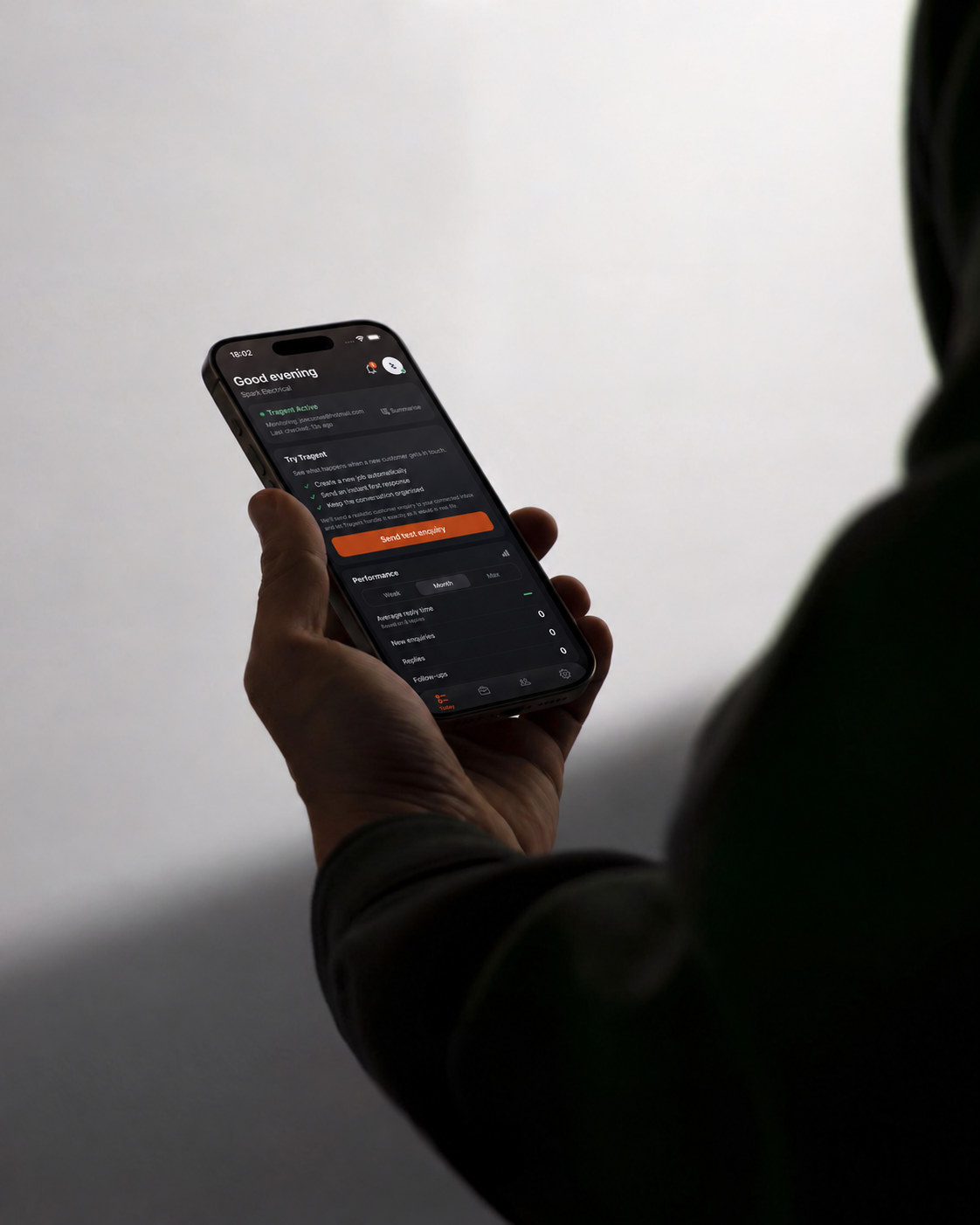
Everything Tragent does is visible in the app. Step into any conversation, change how it works, or switch it off—whenever you like.
- See every messageEach reply and follow-up is saved against the job.
- Take over any timeJump into a conversation and Tragent steps back.
- Choose your follow-upsSet how many go out, up to three, or pause them per job.
- Unsure? It waitsUnclear messages are flagged for you instead of guessed at.
One enquiry,
start to finish.
You’re on a roof all morning. Here’s what happens to the customer who emails at breakfast.
-
Enquiry arrives
“Hi, could you quote for a replacement consumer unit? Ideally next week.”
-
Tragent replies
Thanks the customer, confirms you cover the work and asks for their postcode and a photo of the current board.
-
A job is created
The enquiry and conversation are saved as a new job in the app, so nothing sits buried in your inbox.
-
A friendly follow-up
No reply yet, so Tragent sends a short nudge. The customer answers with their postcode and photos.
-
You pick it up
On your lunch break, everything you need to quote is in one place. You reply—and win the job.
Common
questions
Which inboxes does Tragent work with?
Tragent works with Gmail and Outlook. Connect the account customers already email and it starts watching for new enquiries straight away. Using another provider? Get in touch and we’ll tell you what’s available.
What does the automatic reply say?
A short, professional response in your business name. It acknowledges the enquiry and asks for useful missing details, such as a postcode, photos or a contact number.
Will it reply to spam or newsletters?
No. Marketing and automated messages are filtered out before a reply is considered. If a message is unclear, Tragent leaves it for you to review.
Can I turn automation off?
Yes. You can pause follow-ups for any job, or turn automatic replies off entirely while still using Tragent to organise enquiries and jobs.
What happens if I disconnect my inbox?
Tragent immediately stops watching that inbox and won’t send anything from it. Your existing jobs and conversations stay in the app.
Let the next enquiry
handle itself.
Start your seven-day free trial and see Tragent reply to your next customer while you keep working.